How Much Does a POS System Cost for a Restaurant in the U.S?

So, how much does a POS system cost for a restaurant? In the U.S., the answer can range from a few hundred dollars for a basic setup to several thousand dollars per year for a full-service or multi-location operation. The final price depends on much more than the software subscription. Hardware, payment processing, integrations, kitchen technology, support, and the number of terminals can all affect your total cost.
For 2026, many restaurant POS systems fall somewhere around 0–300+ per month for software, while hardware can range from several hundred to several thousand dollars depending on the setup. Payment processing is another ongoing expense and can ultimately become one of the largest costs.
How Much Does a Restaurant POS System Cost?
A restaurant POS system generally has three primary cost components: software, hardware, and payment processing. Additional expenses may include setup, training, integrations, kitchen displays, online ordering, and other optional features.
These are broad market ranges rather than a quote for a specific restaurant. Your actual cost will depend on the size of your operation and the technology you need.
Wondering why POS is so expensive? Here’s the reason.
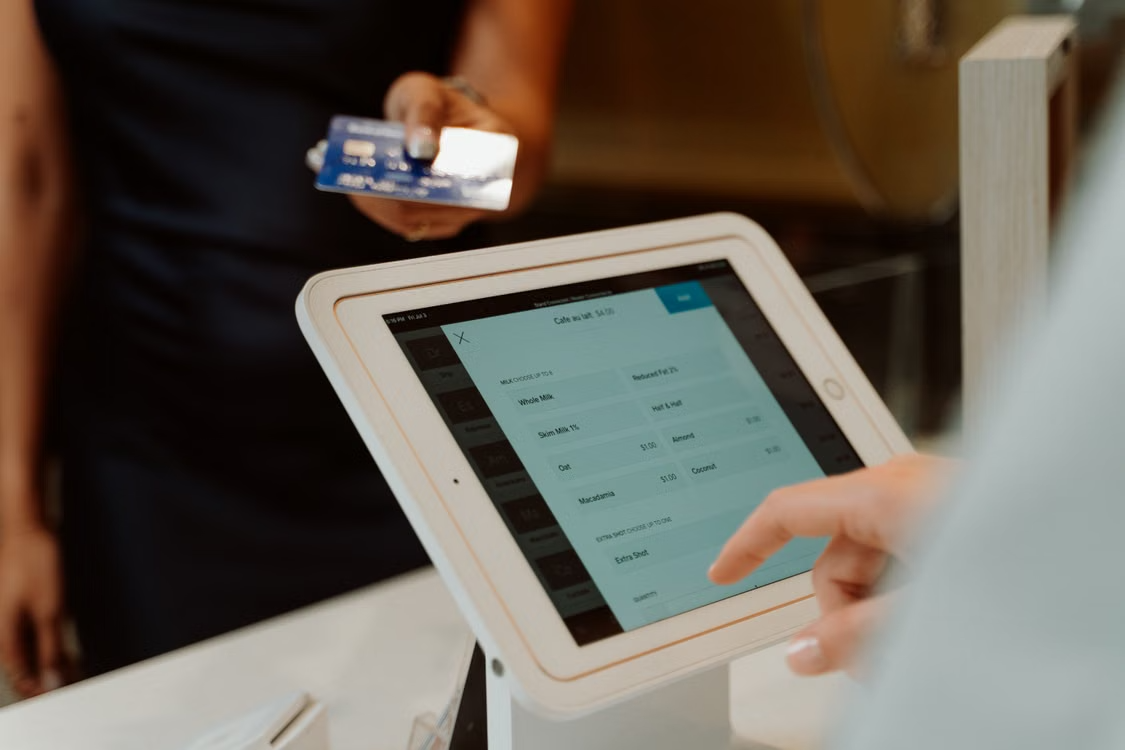
A modern cashless payment system using a tablet and card for seamless transactions
What Determines the Cost of a Restaurant POS System?
1. POS Software
Software is the recurring fee that gives your restaurant access to ordering, payments, reporting, inventory, employee management, and other capabilities.
Some providers offer free or low-cost entry plans, while more comprehensive systems can cost several hundred dollars per month.
The important distinction is what the subscription actually includes. A lower monthly price may not include features such as advanced inventory, loyalty, kitchen display, or detailed analytics.
2. POS Hardware
Hardware is usually the largest upfront expense. A basic restaurant may need only an iPad or terminal and payment device, while a larger operation could require several stations, handhelds, printers, cash drawers, customer displays, and kitchen screens.
Your hardware requirements might include:
- iPad or POS terminal
- Payment reader
- Cash drawer
- Receipt printer
- Kitchen printer or KDS
- Router and networking equipment
- Handheld ordering devices
Aireus takes an Apple-based approach, with its POS designed natively for iPad and additional Apple hardware options for different hospitality environments.
3. Payment Processing
Payment processing deserves particular attention when calculating how much a POS system costs for a restaurant.
A processor typically charges a percentage of each card transaction, sometimes combined with a per-transaction fee. That means a restaurant with high card volume can spend significantly more on processing than on its POS subscription.
For example, a difference of just 0.5 percentage points on $50,000 in monthly card sales equals $250 per month, or $3,000 per year.
This is why comparing POS systems based only on their advertised software price can produce a misleading result.
If you want to know how to use an iPad as a Point of Sale, read our blog here.
Don't Forget the Hidden POS Costs
The advertised monthly subscription rarely tells the whole story. Before choosing a system, ask whether the quote includes:
- Additional terminals
- Kitchen display software
- Online ordering
- Loyalty features
- Inventory management
- Integrations
- Installation
- Staff training
- Support
- Payment processing
- Contract or cancellation fees
The National Restaurant Association notes that food and labor remain among the most significant restaurant operating costs, making control over other expenses increasingly important for operators protecting already-tight margins.
Payment security should also be part of the evaluation. Restaurants handling card payments should understand their responsibilities under the PCI Security Standards Council standards rather than treating payment security as an afterthought.
How Much Should a Small Restaurant Budget?
A small café, food truck, or single-location counter-service restaurant may only need one or two POS devices. A simple setup can therefore cost considerably less than a multi-station restaurant.
As a rough planning framework:
The goal shouldn't be to buy the cheapest system. It should be to avoid paying for capabilities your operation doesn't need while ensuring the system can handle your workflow as you grow.
Want to know which iPad model would suit you and your business the best? Read here.
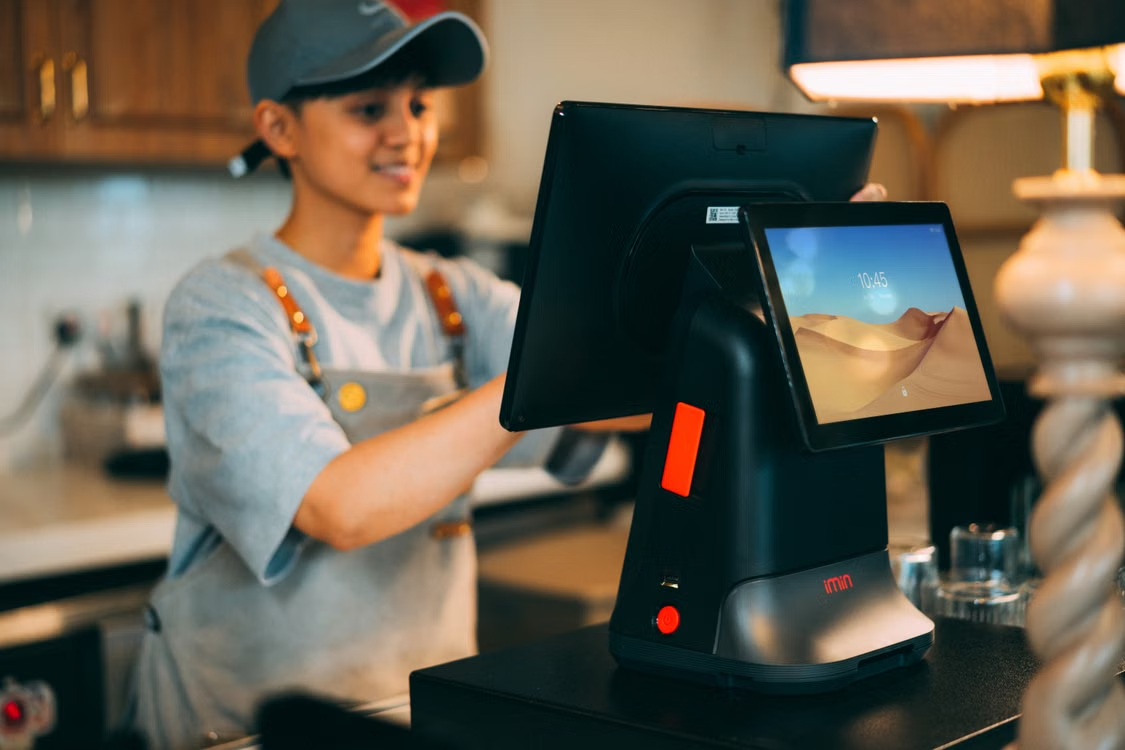
A cashier using a modern point of sale terminal in a store
What Does Aireus POS Cost?
Aireus uses a different pricing approach from many entry-level POS providers. Its current U.S. pricing is structured around the number of iPads in the operation, with every package including the platform's modules rather than requiring restaurants to build a package feature by feature.
Current published plans include:
Aireus states that its packages include POS, AI, loyalty, web ordering, Apple TV functionality, Smart KDS, 150+ reports, integrations, support, and updates. It also allows customers to bring their own credit-card processor rather than requiring a proprietary processor.
That distinction matters when calculating your total POS cost. A system with a higher software subscription can potentially make more financial sense if it includes capabilities that would otherwise require separate add-ons.
For a deeper look at the technology itself, explore Aireus's restaurant POS system and restaurant POS system features.
How to Calculate Your Restaurant's True POS Cost
Instead of comparing monthly subscription prices, calculate your estimated first-year cost:
First-Year POS Cost = Software + Hardware + Processing + Add-ons + Setup/Training
Then compare that figure across providers.
For example, imagine two systems:
- System A costs less per month but charges separately for several features and requires its own processing arrangement.
- System B has a higher monthly subscription but includes more functionality and lets you retain your existing processor.
System A may look cheaper at first glance, but System B could have the lower total cost of ownership depending on your transaction volume and required features.
This is particularly important for hotels, resorts, and multi-outlet restaurants where the number of devices, revenue centers, and integrations can quickly increase the cost of a basic POS.
Is an Expensive POS System Worth It?
Not necessarily. A single-station café probably doesn't need the same technology stack as a 100-room resort with restaurants, bars, banquet operations, and room service.
The right POS should match your operational complexity.
A simple operation may prioritize:
- Low upfront cost
- Easy setup
- Basic reporting
- Fast payments
- A larger hospitality operation may prioritize:
- Multi-location management
- PMS integrations
- Advanced reporting
- Kitchen displays
- Mobile ordering
- Loyalty
- AI-powered analytics
- Centralized control
Aireus is positioned toward premium hospitality operations that need deeper customization and integrations rather than very small businesses looking for the lowest possible entry price. Its own pricing page explicitly notes that a one- or two-iPad café may be better served by a basic starter POS.
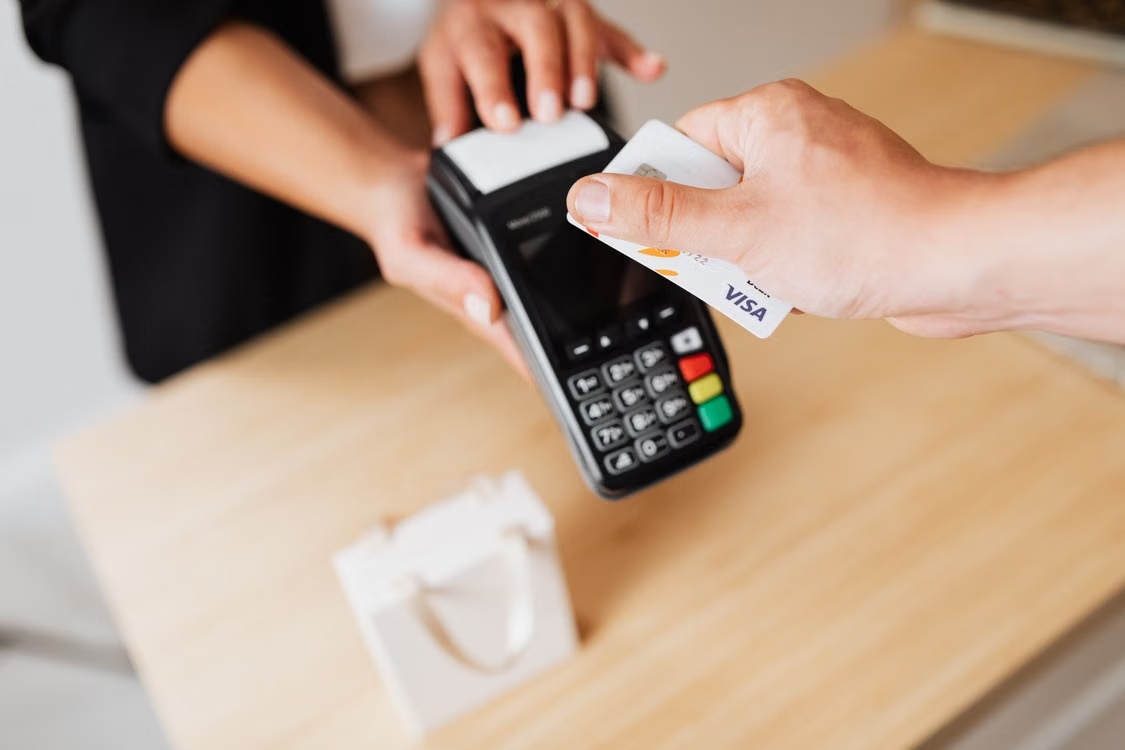
Close-up of hands using a contactless payment terminal with a credit card indoors.
FAQs
What is the average cost of a restaurant POS system?
There isn't one fixed average. Restaurant POS software can range from free to $300+ per month, while hardware may cost several hundred to several thousand dollars depending on the number of terminals and peripherals required. Payment processing is an additional ongoing expense.
Is a free POS system really free?
Not necessarily. A provider may charge little or nothing for the software while generating revenue through payment processing, hardware, or optional features. Always compare the complete cost rather than the advertised software price.
How much does POS hardware cost for a restaurant?
A basic setup can cost several hundred dollars, while a full restaurant configuration with multiple terminals, handhelds, printers, cash drawers, and kitchen displays can reach several thousand dollars.
What is the biggest ongoing POS expense?
For restaurants with significant card volume, payment processing can become one of the largest ongoing expenses. The effective processing rate should therefore be evaluated alongside the software subscription.
Can a restaurant use an iPad as a POS?
Yes. iPad-based POS systems are widely used in hospitality. Aireus, for example, is built natively for iPad and offers an Apple-based POS platform for restaurants, hotels, and resorts.
What should I look for when comparing restaurant POS systems?
Compare total cost of ownership, payment processing, hardware requirements, included features, integrations, support, contract terms, scalability, and how easily the system fits your restaurant's existing workflow.