POS Systems That Integrate With QuickBooks
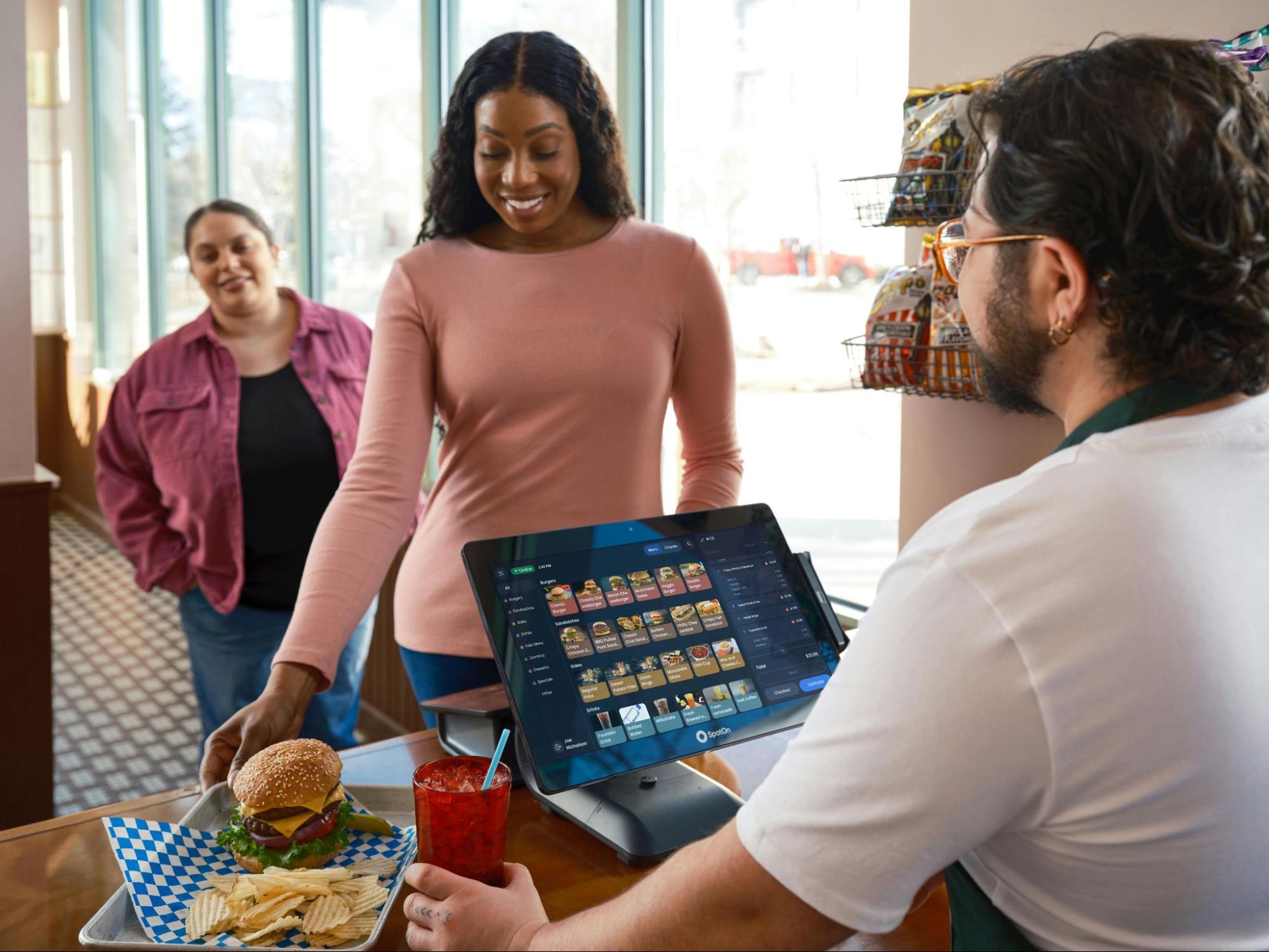
Many businesses still waste time manually entering sales data into accounting software, leading to delays and costly mistakes. With integrated POS solutions, businesses can streamline daily operations, gain real-time financial visibility, and focus more on growth and customer experience.
This guide will help you understand how QuickBooks POS integration works, its key benefits, and how to choose the right solution for your business.
What Are POS Systems That Integrate With QuickBooks Online?
A Point of Sale (POS) system is software used to process customer payments, manage inventory, track sales, and generate business reports. QuickBooks Online is cloud-based accounting software designed to manage bookkeeping, taxes, payroll, expenses, and financial reporting.
When these systems integrate, transaction data automatically syncs between the POS system and QuickBooks Online. This eliminates the need for manual data entry and ensures financial records remain accurate and updated in real time.
Businesses can automatically sync:
- Sales transactions
- Taxes
- Refunds
- Discounts
- Inventory updates
- Payment details
This creates a seamless connection between front-end operations and back-end accounting management.
Why Businesses Need QuickBooks Online POS Integration
Businesses handling large transaction volumes often struggle with accounting inefficiencies. Manual bookkeeping not only consumes time but also increases the risk of errors.
Using POS systems that integrate with QuickBooks Online helps businesses:
- Automate accounting processes
- Reduce duplicate entries
- Improve inventory accuracy
- Generate real-time reports
- Simplify tax preparation
- Improve financial transparency
For restaurants, hotels, and retail businesses, integration can significantly reduce administrative workload while improving operational efficiency.
Key Benefits of POS Systems That Integrate With QuickBooks Online
Integrating your POS system with QuickBooks Online helps businesses improve efficiency, reduce manual work, and maintain more accurate financial records across daily operations.
- Automated Accounting
One of the biggest benefits of integration is automation. Every transaction completed through the POS system is automatically recorded inside QuickBooks Online.
This means businesses no longer need to manually enter:
- Daily sales
- Customer payments
- Taxes
- Refunds
- Discounts
Automation saves time and keeps financial records consistently updated.
- Reduced Human Errors
Manual data entry can result in duplicate records, missing transactions, or incorrect financial reporting. Automated synchronization minimizes these risks and improves accounting accuracy.
This is especially important for businesses processing hundreds of transactions daily.
- Real-Time Financial Reporting
Integrated systems provide instant access to financial reports, helping business owners monitor performance in real time.
Businesses can easily track:
- Revenue
- Expenses
- Sales trends
- Tax liabilities
- Profit margins
Real-time reporting allows faster and smarter business decisions.
- Better Inventory Management
Modern POS systems automatically update inventory whenever products are sold or restocked. When integrated with QuickBooks Online, inventory records stay synchronized across both systems.
This helps businesses:
- Prevent stock shortages
- Reduce overstocking
- Improve purchasing decisions
- Track product performance accurately
5. Easier Tax Preparation
Organized financial records make tax filing much easier. Since all transaction data is automatically synced, businesses can quickly generate accurate reports during tax season.
Features to Look for in POS Systems That Integrate With QuickBooks Online
Choosing the right POS solution requires evaluating both operational and accounting capabilities.
- Cloud-Based Access
Cloud systems allow business owners to manage operations remotely while accessing real-time reports from anywhere.
- Seamless QuickBooks Online Integration
The POS should support direct and reliable synchronization with QuickBooks Online without requiring complicated manual setup.
- Multi-Location Management
Businesses operating multiple stores, restaurants, or hotel locations need centralized reporting and inventory management.
- Advanced Reporting
Detailed sales and financial reports help businesses understand customer behavior and operational performance.
- Secure Payment Processing
Data security is critical. A reliable POS system should offer encrypted payment processing and customer data protection.
- User-Friendly Interface
Employees should be able to learn and operate the system quickly without extensive training.
Industries That Benefit From POS and QuickBooks Online Integration
- Restaurants
Restaurants manage constant orders, billing, and inventory updates. An integrated POS system simplifies restaurant operations and improves accounting accuracy.
Businesses looking for advanced restaurant management solutions can explore Aireus POS Restaurant Solutions for customizable iPad-based POS systems.
- Hotels and Resorts
Hotels require integrated billing, guest management, and financial tracking. QuickBooks integration helps centralize accounting operations while improving reporting accuracy.
- Retail Stores
Retail businesses process high transaction volumes daily. Integrated systems improve inventory tracking, financial management, and customer experience.
- E-Commerce Businesses
Online stores benefit from automated bookkeeping, synchronized inventory management, and simplified financial reporting.
Why Aireus POS Is a Smart Choice
Aireus POS offers AI-powered, Apple-based iPad POS solutions designed specifically for restaurants, hotels, and resorts. The platform combines modern POS functionality with advanced reporting, customizable features, and seamless integrations.
Businesses using Aireus POS benefit from:
- Real-time operational insights
- Cloud-based accessibility
- Advanced inventory tracking
- Customizable workflows
- Faster order management
- Reliable QuickBooks Online integration
Its user-friendly interface and scalable design make it suitable for both small businesses and large hospitality operations.
How Integration Improves Business Efficiency
Integrated POS systems reduce repetitive administrative tasks and help businesses focus more on customer service and growth.
Business Function
Without Integration
With QuickBooks Online Integration
Sales Entry
Manual bookkeeping
Automatic synchronization
Inventory Updates
Separate tracking systems
Real-time inventory syncing
Financial Reports
Delayed reporting
Instant financial insights
Tax Preparation
Time-consuming process
Simplified automated reporting
Error Management
High risk of mistakes
Improved data accuracy
Best Practices for Successful POS Integration
To get the most value from integration, businesses should follow a few important steps.
Train Employees Properly
Staff should understand how to use both the POS system and accounting integration tools efficiently.
Monitor Synchronization Regularly
Regularly checking integration performance helps identify syncing issues before they affect reporting accuracy.
Choose Scalable Software
As businesses grow, their POS system should support additional locations, products, and transaction volumes.
Work With Reliable Providers
Choosing trusted providers ensures smoother integration, better support, and long-term reliability.
Businesses can also learn more about digital accounting standards through QuickBooks Online Official Website and payment security best practices through PCI Security Standards Council.
Ready to simplify your business operations and save valuable time?
Aireus POS offers AI-powered POS solutions with seamless QuickBooks Online integration for restaurants, hotels, resorts, and retail businesses. Automate accounting, improve inventory management, and gain real-time business insights with one powerful platform.
Contact the Aireus POS team today to find the right solution for your business growth.
Frequently Asked Questions (FAQs)
1. What are POS systems that integrate with QuickBooks Online?
A. These systems automatically sync sales, payments, taxes, and inventory data with QuickBooks Online accounting software.
2. Why is QuickBooks Online integration important for businesses?
A. Integration reduces manual bookkeeping, improves financial accuracy, and provides real-time reporting for better decision-making.
3. Can restaurants benefit from QuickBooks POS integration?
A. Yes, restaurants can automate billing, inventory management, accounting, and sales tracking through integrated POS systems.
4. Does QuickBooks Online integration improve inventory management?
A. Yes, integrated systems automatically update inventory records whenever products are sold, returned, or restocked.
5. Is Aireus POS compatible with QuickBooks Online?
A. Yes, Aireus POS supports seamless QuickBooks Online integration for restaurants, hotels, resorts, and retail businesses.