POS Requirements for Businesses: A Comprehensive Guide

Modern POS requirements cover three core elements: hardware that handles transactions, software that drives operations, and security standards that keep every interaction safe.
In this blog, we’ll go over each of these to help you confidently set up your POS system for secure transactions.
You Might Also Like: How to Switch Your POS System Without Losing Any Data
What Are POS System Requirements?
POS requirements can get specific, but are essential for businesses handling transactions. Generally, these include:
- Physical devices like touchscreen terminals, cash drawers, printers, and scanners.
- Operating system and POS app, plus any modules for inventory, customer relationship management (CRM), and analytics.
- Data protection measures like end-to-end encryption (AES-128 or higher), secure login controls, and malware protection.
- Compliance with industry rules like PCI-DSS for card payments and data privacy laws.
- A reliable Internet connection.
Together, these components form the backbone of a modern POS. Each piece needs to work in tandem to deliver fast, accurate checkouts and protect both the business and customer data.
Check Out: POS System Reviews for U.S. and Canada – Updated 2025
POS Hardware Requirements

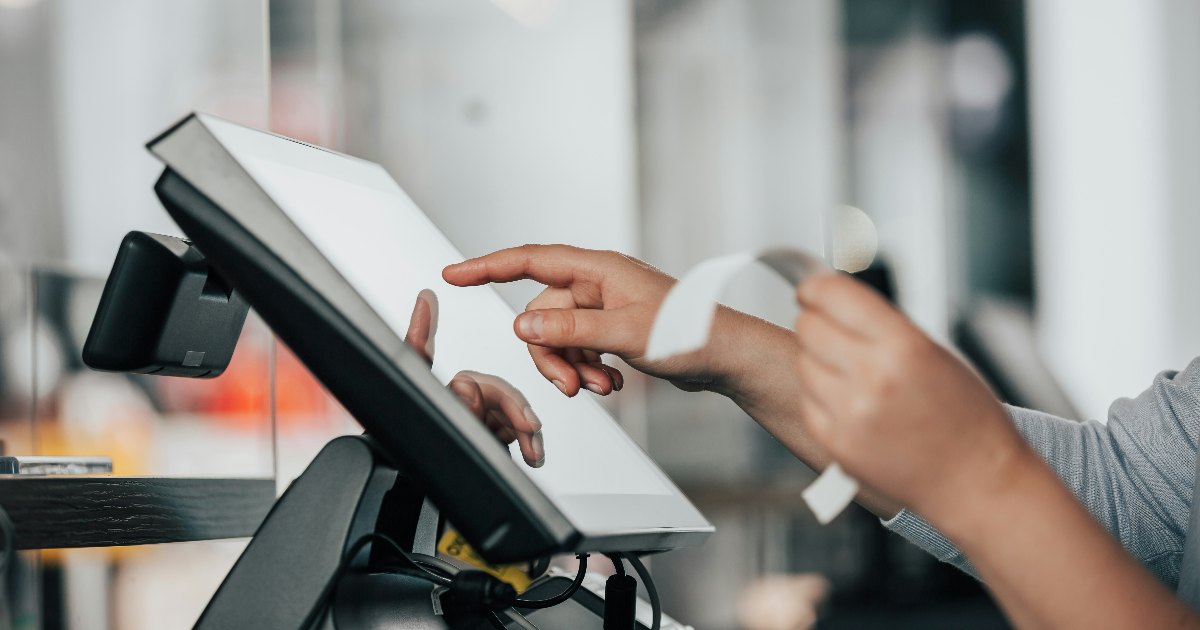
To run a robust POS, you’ll need specific hardware components or physical devices. These must be reliable, fast, and suited to your environment.
- Touchscreen terminal: Often an iPad or Windows tablet. This is the brain of your POS; it runs the software and handles transactions. Modern POS setups rely on tablets or terminals as the central device for sales and inventory.
- Barcode scanner: Essential for fast checkout if you sell many items. Scanners read product barcodes quickly and minimize manual entry. In busy stores, handheld scanners help staff process long queues faster by automating item entry.
- Receipt printer: Even in today’s digital age, 42% of consumers still prefer printed receipts. A thermal printer provides itemized bills for customers and the kitchen.
- Cash drawer: The Federal Reserve reports that cash remains the third-most-used payment method, so if you accept cash, a secure cash drawer is a must.
- Payment terminal/card reader: A chip-and-PIN or contactless reader is essential for EMV chips, Apple Pay, and NFC payments. This hardware encrypts card data at the swipe or tap.
Each piece of hardware should meet your transaction volume needs.
For example, restaurants may also use a kitchen display (KDS) or tablet to send orders to the back, while retail shops focus on scanners and tag printers. Start with the basics and scale up; you can always add specialty gear as your business grows.
Explore: True Hardware Essentials for POS
POS Software Requirements

Just as important as hardware is the software that runs on it. Your POS software ties together sales, inventory, customers, and analytics. Key software requirements include:
- Operating System & Platform: The POS app must run on your chosen OS. AireusPOS, for instance, is built natively for Apple devices (iPadOS on iPads or macOS on Macs) to leverage high performance and security. Windows and Android are also common platforms. Make sure the OS is stable and updated.
- Inventory & Product Management: Your software should track stock levels in real time. For example, a retail POS like AireusPOS lets you set price tiers and scan barcodes to pull up products instantly.
- Customer/CRM Features: Use tools to store customer profiles, loyalty programs, or membership discounts. Integrating CRM means faster checkouts and personalized service (e.g., automatic member pricing or rewards).
- Reporting & Analytics: Real-time dashboards help make quick decisions on staffing or promotions. Choose POS packages that offer charts and exportable data for deeper analysis.
- Payment Processing Integration: Software must link to your payment gateway for credit/debit cards, mobile wallets, or online payments. Ensure it supports the payment types you need (chip, magstripe, NFC).
- Cloud vs. On-Premises: Decide between cloud-based or locally hosted software. Cloud POS software (like Aireus’s) uploads data in real time and gets automatic updates. On-premise software runs on local servers or PCs and works offline, but will require manual updates and backups. Cloud offers mobility and auto backups, whereas on-premise offers offline reliability but risks data loss.
- Connectivity & Network: For cloud systems, a strong internet connection is required to sync data. 25 Mbps or more is recommended for uninterrupted transactions. Consider having a wired backup or cellular plan in case of outages.
- Security: Make sure your software is maintained and updated regularly to patch vulnerabilities.
You Might Also Like: How Aireus POS has helped businesses like yours grow
Compliance and Security Requirements
Protecting payment data and customer privacy must be your top priority. Compliance isn’t optional, but rather a fundamental requirement of any POS setup.
- PCI-DSS Compliance: For any business that accepts cards, the POS must follow the Payment Card Industry Data Security Standards. This means using encrypted payment terminals, secure servers, and regularly updated software. PCI requirements include encryption, firewalls, and secure handling of cardholder data.. Hardware (like PIN entry devices and card readers) must be PCI-validated. Ensuring PCI compliance protects you from fraud and avoids fines.
- Data Encryption: Most modern POS systems use strong algorithms (AES-128 or higher) to encrypt data. This way, even if data is intercepted, it remains unreadable.
- User Access Controls: Enforce strong login controls. Each employee should have a unique username and password (or better, two-factor authentication). Use role-based access so staff only see what they need. Strict access controls and authentication (even biometrics or MFA) prevent insider threats.
- Regulatory Privacy (GDPR, CCPA): Follow regional privacy laws, maintain clear privacy policies, limit data collection, and let customers opt out of marketing. For instance, POS systems should avoid storing unnecessary personal fields.
- Network Security: Keep your network segmented and secure. Use firewalls or secure routers and consider a dedicated VLAN for POS devices. Regularly update firmware on routers and devices.
- Regular Audits and Updates: Compliance standards evolve. Regularly update your POS software and hardware firmware. Schedule annual PCI compliance scans or audits.
GDPR demands that personal data be secured and accessed only by authorized staff.
Using robust encryption and strict login procedures ensures you meet these rules. Failing to comply with PCI or privacy laws can lead to steep fines or data breaches; build these requirements into your POS plan from day one.
Check Out: Best POS System in New York – No Upfront Fees iPad POS Solution
POS Requirements Checklist
Example Setup
To visualize how all these requirements come together, here’s a sample POS configuration:
Café Example Setup:
- Hardware: 1x iPad (touchscreen POS) + thermal receipt printer + cash drawer + optional barcode scanner.
- Software: Cloud-based POS app with menu, inventory, and sales reporting (runs on iPadOS).
- Connectivity: 25+ Mbps business Wi-Fi (with a 4G backup), Ethernet router for stability.
- Security: PCI-compliant wireless card reader (EMV/NFC) + AES-128 data encryption + user PIN access.
Restaurants might use multiple iPads or add kitchen display screens, while retail stores might need barcode label printers and larger back-office servers. The key is matching hardware and software to your size and workflow and then ensuring you have the network and security in place.
Ready to meet all your POS requirements? Contact AireusPOS for a tailor-made, Apple-powered system that ticks every box.
FAQs (Frequently Asked Questions)
Q. What are the minimum POS hardware requirements for a small business?
A. At minimum, a small business needs a transaction device, a receipt printer, and a way to accept payments (cash drawer or card reader). Even a smartphone with a card reader attachment can work for micro-merchants. The exact setup depends on your needs.
Q. What are the costs associated with POS hardware and software?
A. Costs vary widely by complexity. A basic POS setup can start around $1,000–$2,000 in hardware. Custom software development can range $7,000–$50,000 or more. Cloud POS usually has a monthly fee ($20–$100+ per month, per location). There are also peripherals like scanners, kitchen displays, and training costs.
Q. Can a POS work if the internet goes down?
A. A cloud POS needs internet to sync sales, but many offer offline modes (caching transactions until connection returns). An on-premise POS (running on a local network/server) can function fully offline, but won’t update remote data.
Q. How do POS requirements differ for restaurants vs. retail businesses?
A. Restaurants often need features like table management, split checks, and KDS. Their hardware might include handheld order-takers or printers in the kitchen. Retail shops focus more on barcode scanners and customer-facing display screens. In both cases, you still need the same core requirements.