POS Implementation Checklist
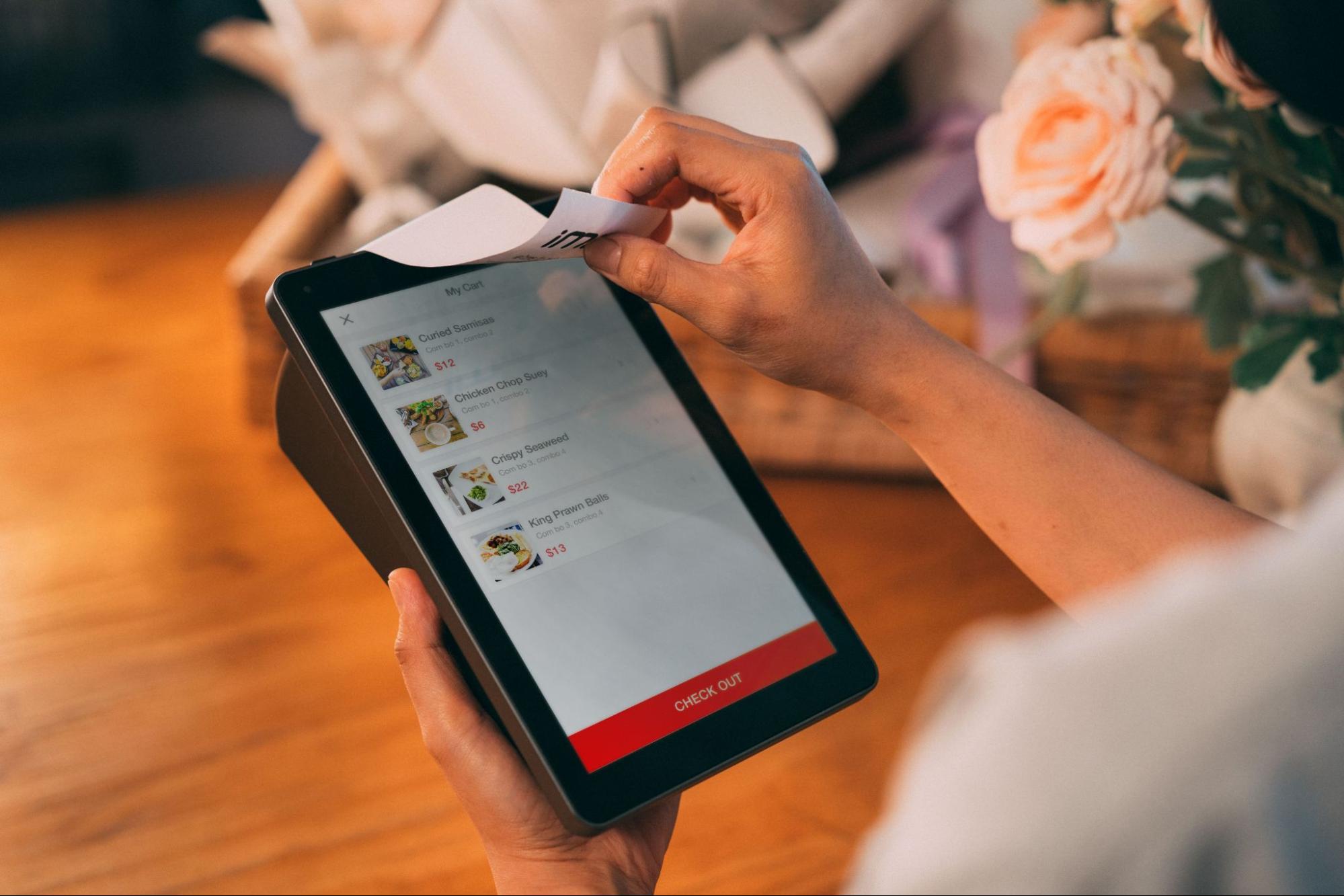
A POS implementation checklist helps businesses prepare for a smooth transition to new point-of-sale technology. From organizing data and configuring hardware to testing integrations and training staff, every step matters.
Learn more about choosing the right POS system to ensure your technology supports daily operations. A clear implementation plan reduces disruption, prevents costly errors, and helps employees confidently adopt the new system.
What Is a POS Implementation Checklist?
A POS implementation checklist is a roadmap for preparing, testing, launching, and managing a new point-of-sale system. It covers technology, business data, payments, workflows, integrations, and employee training.
1. Define Your Requirements
Identify the features your business needs, such as table management, payments, inventory, mobile ordering, refunds, reporting, or multi-location management.
Set clear goals, such as faster service, fewer billing errors, or better inventory visibility.
2. Prepare Your Data
Review products, prices, categories, modifiers, taxes, and inventory before transferring data.
Remove outdated information and verify pricing to prevent ordering, reporting, and inventory problems after launch.
3. Test Hardware and Integrations
Check POS devices, payment terminals, printers, kitchen displays, and network connections.
Test important integrations, including payment processing, accounting, inventory, online ordering, loyalty, or hotel property management systems.
4. Train Your Staff
Give employees hands-on practice with common tasks such as taking orders, modifying items, splitting checks, processing payments, refunds, and correcting mistakes.
Managers should also understand permissions, reports, troubleshooting, and support procedures.
5. Test Before Launch
Run complete test transactions from ordering through payment and reporting. Check receipts, discounts, refunds, kitchen routing, inventory updates, and integrations.
Testing helps identify problems before they affect real customers.
6. Plan the Launch
Choose a suitable launch period and assign someone to manage issues. Keep backup procedures available and monitor performance after launch.
Review staff feedback, transaction errors, customer experience, and reporting accuracy to identify improvements.
POS Implementation Checklist
Before choosing your go-live date, review these essential areas. A quick final check can help identify problems while there is still time to fix them.
Ready to Simplify Your POS Implementation?
Make your POS transition easier with Aireus, an AI-powered, Apple-based iPad POS designed for restaurants, hotels, and resorts. Get customizable features, seamless integrations, and real-time insights to streamline operations.
Call us at 1-888-552-5560 today to explore a smarter POS solution built around your hospitality business needs.
Frequently Asked Questions (FAQs)
1. How long does POS implementation take?
A. Implementation time varies based on system complexity, integrations, data migration, hardware requirements, staff training, and business locations.
2. What should I prepare before POS implementation?
A. Prepare workflows, product data, pricing, hardware, payments, integrations, employee permissions, training materials, and realistic testing scenarios.
3. Why should a POS system be tested before launch?
A. Testing identifies payment, ordering, hardware, reporting, and integration problems before they disrupt customers and daily business operations.
4. Is staff training necessary for POS implementation?
A. Yes. Hands-on training helps employees understand workflows, reduce transaction errors, improve service speed, and confidently handle customer situations.
5. What should businesses monitor after POS implementation?
A. Monitor transaction accuracy, system performance, staff adoption, customer feedback, payment issues, reporting accuracy, and overall operational efficiency.