How to Use POS Systems for Restaurants? Aireus Expert Guide
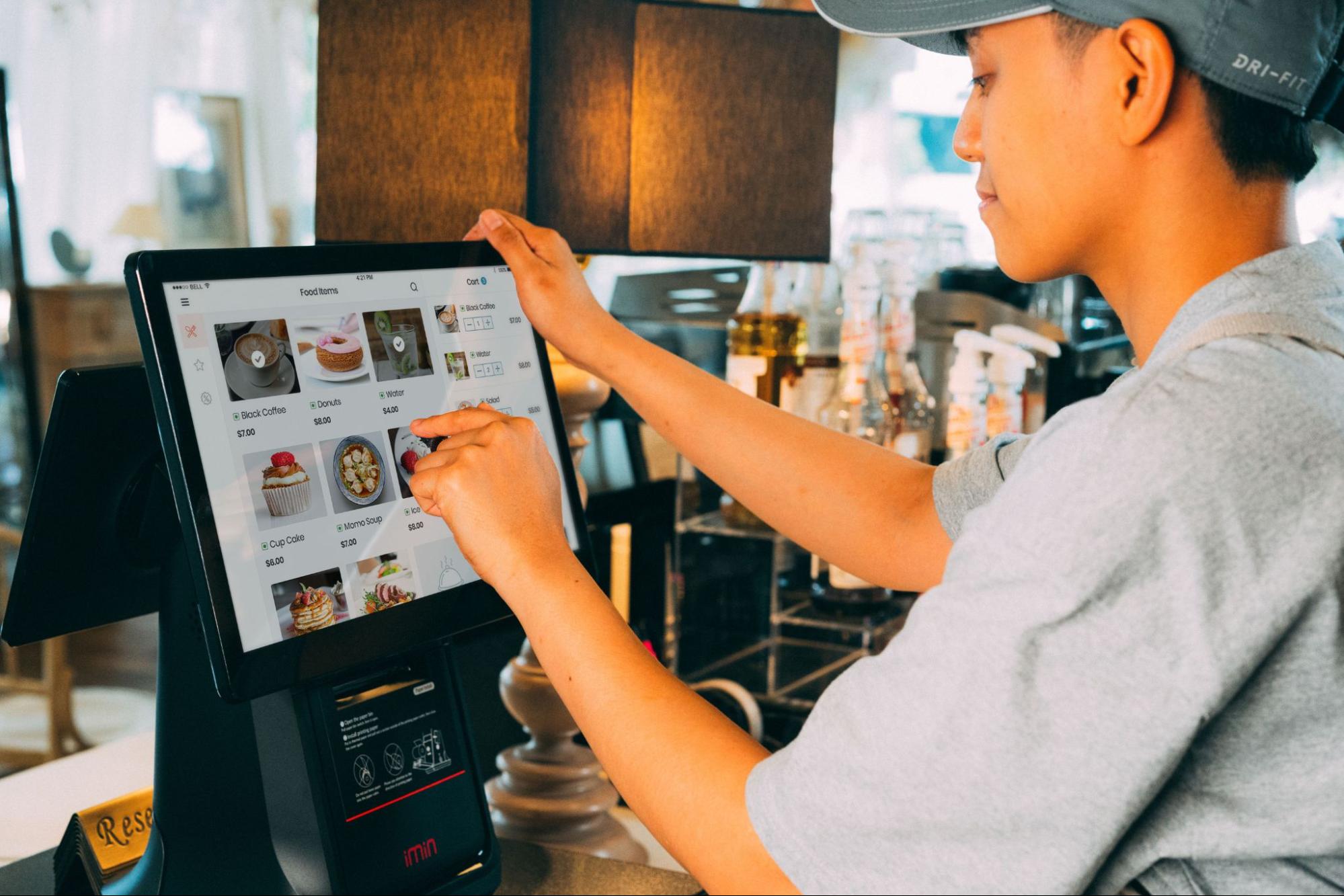
Running a restaurant involves more than serving great food. Knowing how to use POS systems for restaurants can help you manage orders, payments, inventory, and customer service more efficiently while delivering a faster, smoother dining experience.
This guide explains how restaurant POS systems work, how to use them effectively, and the best practices to help your team deliver a seamless customer experience.
What Is a Restaurant POS System?
A restaurant Point of Sale (POS) system combines hardware and software to manage orders, payments, inventory, and sales from one platform. It streamlines daily operations and, with cloud-based access, lets restaurant owners monitor their business anytime, from anywhere.
Why Learning Your POS System Matters
Many restaurants invest in a POS system but only use a small portion of its features. Learning how to use your POS correctly can save time, improve accuracy, and increase customer satisfaction.
A well-managed POS system helps restaurants:
- Speed up order taking
- Reduce order mistakes
- Process payments faster
- Track inventory automatically
- Monitor daily sales
- Manage staff performance
- Generate detailed business reports
The better your team understands the system, the smoother your restaurant operates during busy service hours.
How to Use POS Systems for Restaurants
Using a restaurant POS system becomes much easier when you understand the typical workflow. Here are the main steps.
1. Set Up Your Menu
The first step is adding your menu items into the system.
Include:
- Food categories
- Drinks
- Combo meals
- Item modifiers
- Prices
- Taxes
Organizing your menu properly allows staff to find items quickly and minimizes ordering mistakes.
2. Take Customer Orders
Servers can enter customer orders directly through a POS terminal or handheld device.
If customers order online or through QR codes, those orders are automatically sent into the same system. This eliminates duplicate entries and keeps all orders organized.
3. Send Orders to the Kitchen
Once an order is confirmed, the POS automatically sends it to the appropriate kitchen station.
For example:
- Drinks go to the bar.
- Appetizers go to the starter station.
- Main courses go to the grill or kitchen.
- Desserts appear at the dessert station.
Many restaurants now use Kitchen Display Systems (KDS) instead of printed tickets, making communication faster and reducing paper waste.
4. Process Customer Payments
After the meal, the POS calculates:
- Taxes
- Discounts
- Service charges
- Loyalty rewards
- Gift cards
Customers can pay using:
- Credit cards
- Debit cards
- Mobile wallets
- Contactless payments
- Cash
The system records every transaction automatically for accurate reporting.
5. Monitor Restaurant Performance
One of the biggest advantages of a POS system is its reporting dashboard.
Restaurant owners can monitor:
- Daily sales
- Best-selling menu items
- Peak business hours
- Employee performance
- Payment methods
- Customer spending trends
These insights help restaurants make smarter business decisions.
Key Features Every Restaurant POS Should Have
Choosing the right POS system is just as important as knowing how to use it. Look for features that support both your staff and customers.
Feature
Why It Matters
Menu Management
Quickly update menu items, pricing, and modifiers.
Order Management
Sends orders directly to the kitchen with fewer errors.
Inventory Tracking
Automatically updates stock after every sale.
Employee Management
Tracks shifts, permissions, and staff performance.
Payment Processing
Accepts multiple payment methods securely.
Sales Reporting
Provides real-time insights into restaurant performance.
Customer Loyalty
Encourages repeat business through rewards and promotions.
Lets owners manage operations remotely from anywhere.
Choosing a POS with these features helps restaurants streamline daily operations while preparing for future growth.
Best Practices for Using a Restaurant POS
Owning a POS system is only the beginning. Following a few best practices ensures you get the most value from your investment.
1. Train Every Team Member
Even the most advanced POS system cannot improve efficiency if employees are unfamiliar with it.
Provide hands-on training and refreshers whenever new features are introduced.
2. Keep Your Menu Updated
Whenever prices change or new dishes are added, update your POS immediately. This prevents billing mistakes and keeps inventory accurate.
3. Review Reports Regularly
Daily and weekly reports help identify sales trends, busy hours, and opportunities to improve profitability.
4. Set User Permissions
Not every employee needs access to every feature.
Assign role-based permissions to improve security and reduce accidental changes to important settings.
Common Mistakes to Avoid When Using a Restaurant POS
Even the best POS system can create challenges if it is not used correctly. Avoid these common mistakes to keep your restaurant running efficiently.
Skipping Staff Training
A lack of proper training often leads to incorrect orders, slower service, and frustrated employees. Make POS training part of every new employee's onboarding process.
Ignoring Software Updates
POS providers regularly release updates that improve performance, add new features, and strengthen security. Keeping your system updated helps maintain smooth operations.
Not Backing Up Data
Cloud-based POS systems usually back up data automatically, but it is still important to confirm your backup settings. This protects valuable business information in case of unexpected issues.
Overlooking Reports
Your POS generates valuable data every day. Reviewing reports regularly can help you identify slow-selling items, improve staffing schedules, and increase profitability.
Giving Everyone Full Access
Limit system permissions based on employee roles. This helps prevent accidental changes, protects sensitive business information, and improves overall security.
How Aireus Makes Restaurant POS Management Easier
Managing a busy restaurant is easier with a hospitality-focused POS system. Aireus offers an AI-powered iPad POS for restaurants, cafés, hotels, and resorts, designed for fast service and easy staff training.
With Aireus, restaurants can:
- Take orders quickly using iPads.
- Send orders instantly to the kitchen.
- Accept secure contactless and mobile payments.
- Monitor inventory in real time.
- Access business reports from anywhere.
- Integrate with accounting and other business tools.
- Scale easily as the business grows.
By bringing ordering, payments, reporting, and management together on one platform, Aireus helps restaurants operate more efficiently while focusing on what matters most, serving customers.
Simplify Restaurant Operations with Aireus
Here's a concise 30-word CTA:
Ready to simplify restaurant management?
Book an Aireus POS demo today and see how our smart iPad POS solution can streamline operations, improve service, and support your business growth.
Frequently Asked Questions(FAQs)
1. How do you use a POS system in a restaurant?
A. A restaurant POS system is used to take orders, send them to the kitchen, process payments, manage inventory, and generate sales reports from one platform.
2. What are the main benefits of a restaurant POS system?
A. A restaurant POS improves service speed, reduces order errors, tracks inventory automatically, manages staff performance, and provides real-time business insights for better decision-making.
3. Can restaurant POS systems work without the internet?
A. Many modern hybrid POS systems can continue processing orders and payments during internet outages, then automatically sync data once the connection is restored.
4. How long does it take to train employees on a restaurant POS system?
A. Most modern POS systems are designed with user-friendly interfaces, allowing employees to learn basic functions within a few training sessions and gain confidence quickly.
5. Why should restaurants choose an iPad POS system?
A. An iPad POS system offers mobility, faster ordering, easy staff training, cloud access, and a modern customer experience while helping restaurants operate more efficiently.