How to Set Up Tap to Pay in Your Restaurant
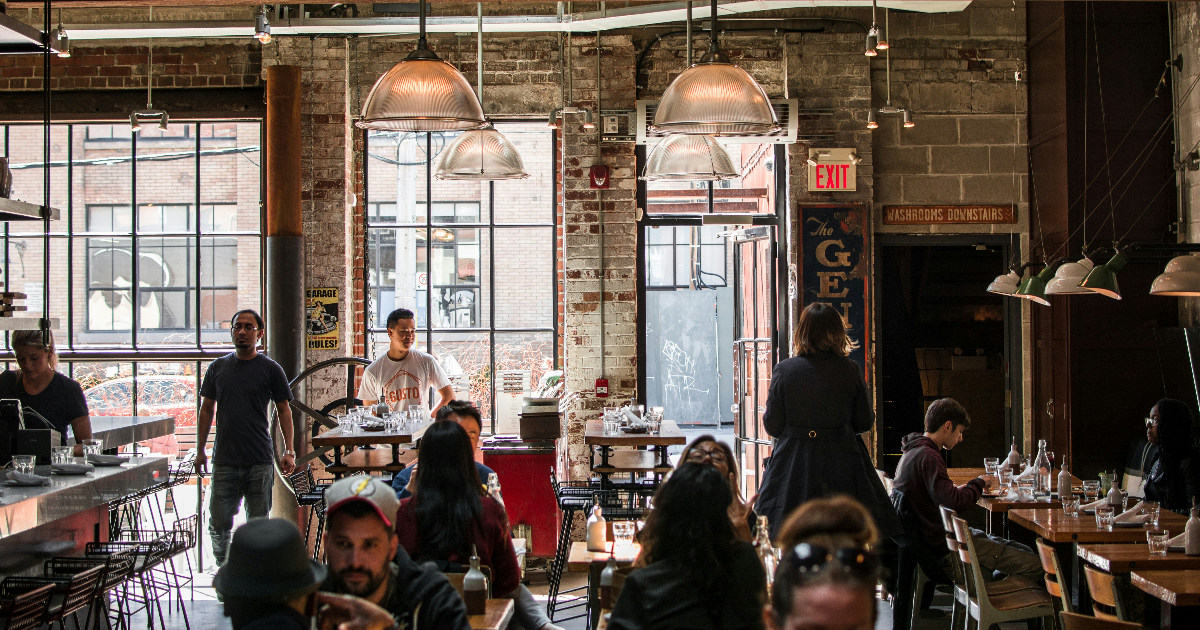
Tap to pay restaurant systems can transform your restaurant. Imagine guests tapping their card or phone, choosing tips, splitting bills, and leaving satisfied—all in seconds.
In recent years, contactless payment usage has grown by over 200 percent, while 79 percent of diners expect tap support.
With AireusPOS, you make that happen: NFC terminals or mobile softPOS, tipping screens, group split, and full analytics that prove the system works. This guide walks you through setup, training, tracking, rollout, and ROI.
Check Out: List of Best Restaurant POS Systems
Why Tap to Pay Is No Longer Optional
Contactless payments are not a trend—they're now a standard expectation. Guests want speed, safety, and convenience. Offering tap to pay meets those demands and gives you a competitive edge.
Choose Your Tap to Pay Setup
Option A: NFC Terminal
AireusPOS integrates with NFC-enabled devices like Square or Toast. These devices let guests tap debit or credit cards, and they support Apple Pay or Google Pay. Each transaction ends with a screen that offers tipping and bill-splitting options.
Option B: SoftPOS on Mobile
Skip the terminal cost. Turn any iPhone or Android device into a complete tap-to-pay restaurant station. AireusPOS uses biometric security—fingerprint or face unlock—to keep each transaction secure. Setup takes minutes, and you’re ready to accept contactless payments and full tip flows.
Benefits of Adding Tap to Pay in Restaurants
When done right, tap to pay doesn't just speed things up, it creates smoother service, happier guests, and more money in your pocket.
- Faster table turnover
- Higher average tips
- Improved guest satisfaction
- Reduced payment friction
- Better order flow during peak hours
Add Tip Prompt and Group Split Feature
Tipping is where revenue grows fast. Once a guest completes a tap, a tipping screen appears offering 15, 18, or 20 percent, or custom options. Real data shows that on-screen tipping boosts gratuity 15–60 percent.
Next, offer “Split?” and allow guests to pay via Venmo, CashApp, or an extra tap. They enjoy flexibility, and your average guest spend goes up.
Train Your Team for Smooth Execution
Your staff brings this system to life. Use these training steps:
- Explain security: “Each tap uses a unique token. We never store your card info.”
- Guide actions: “Tap your card or phone, then choose tip and split if needed.”
- Roleplay examples. Four lines: tap, tip, split, enjoy.
- Use signage: Post “Tap • Tip • Split • Enjoy” at every table.
This approach builds confidence, reduces errors, and boosts tips. Tapping becomes a friendly, reliable experience.
Read More: How to Create a POS System for Your Restaurant
Monitor Metrics That Matter
Use AireusPOS analytics to track four key metrics:
- Tap success rate (total taps vs completed payments)
- Transaction time (how long until the screen closes)
- Average tip per tap (percent or dollar amount)
- Split usage frequency (how many splits per shift)
Review these stats weekly. If tap failures exceed 5 percent, check connectivity or run a device update. If tipping lags, re-train staff or tweak prompts. Data tells you what to fix.
ROI Table: Let the Numbers Show
These figures are based on real-world benchmarks from restaurants using modern POS systems. Studies by PushOperations, Toast, and TouchBistro show that tap-to-pay features lead to 15–60% higher tips, 60–80% faster checkouts, and 8–10% increases in average order value.
Metric
Before Setup
After Setup
Improvement
Tables per hour
3
3.5
+0.5 tables/hr
Average tip per guest
$8
$11
+$3 per guest
Order value per guest
$25
$27
+$2 per guest
Payment time per table
5 minutes
1 minute
4-minute savings
Weekly Impact (6 peak hours/day):
- +3 extra tables → increased total checks
- +$9 per day in tips → $63/week
- +$6 per day in orders → $42/week
Combined gain: $5,460 per year, before accounting for lower chargebacks or labor savings.
Step-by-Step Launch Guide
- Decide between an NFC terminal or a mobile softPOS
- Enable tap, tip options, and split settings in AireusPOS
- Train your team with practical scripts
- Add signage that reads “Tap • Tip • Split • Enjoy”
- Run a one-week test during peak times
- Review analytics and customer feedback
- Adjust staff training or device setup
- Roll out fully once you prove success
You Might Like: 5 Best Mobile POS Systems for Food Trucks
Common Pitfalls to Avoid
Even the smartest system can fall short if it's not set up properly. Many restaurants start using tap to pay without training their team or making sure it works well for guests. These small mistakes can slowly reduce your earnings and leave customers confused or unhappy.
Before you launch AireusPOS tap to pay, take a minute to check for these common issues. Fixing them early can help you save time, earn more tips, and keep your guests coming back.
Watch for these common mistakes:
- Skipping staff training
- Using outdated terminals without NFC
- Hiding the tip screen behind too many steps
- Ignoring feedback from guests
Real Wins with AireusPOS
- Piper Arms cut errors and sped up service across multiple locations with real-time menu control.
- The Biltmore runs 65+ terminals resort-wide with seamless integration from dining to golf.
- Copal Tree Lodge operates smoothly in the jungle thanks to offline mode and cloud access.
- Flores & Pine delivers flawless service during weddings, brunches, and events—all from one system.
Final Thoughts
A tap to pay restaurant with AireusPOS helps you deliver fast checkout, bigger tips, smoother splits, and smarter data. You get proof of performance in your pocket. With simple training and clear goals, you stand out as modern, efficient, and guest-first.
Book a demo with AireusPOS today. You’ll set up secure tap to pay restaurant payments, smart tip screens, effortless splits, and real-time analytics—to grow speed, satisfaction, and revenue.
Frequently Asked Questions (FAQs)
1. What is a tap to pay restaurant system?
It uses contactless NFC, tipping options, bill split, and analytics to improve speed, tips, and guest satisfaction.
2. Is tap to pay secure for guests?
Yes, each tap uses tokenization. SoftPOS adds face or fingerprint verification. No data gets stored insecurely.
3. Will tipping increase with AireusPOS?
Yes, on-screen tipping after tap boosts average gratuity by 15–60 percent based on aggregated user data.
4. How does group splitting work?
Tap, then choose “Split.” Use Venmo, CashApp, or multiple cards to divide the bill among guests.
5. Which metrics should I track?
Tap success rate, transaction time, average tip, and split frequency help you optimize performance and training.
6. Can mobile softPOS fully replace terminals?
Yes, AireusPOS turns any phone or tablet into a secure tap terminal—no extra hardware needed.